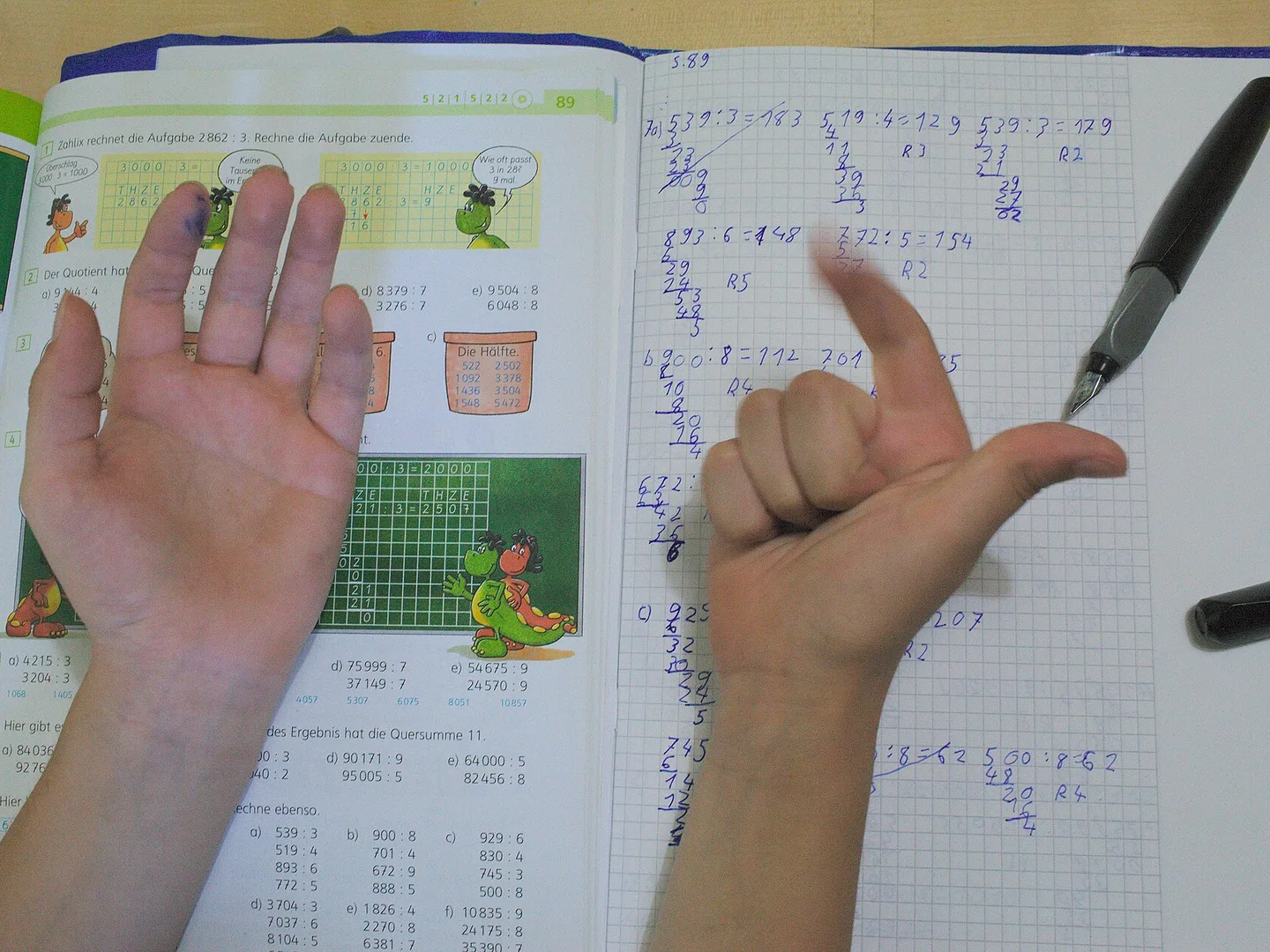
A child counting on their fingers over a maths workbook. Photo: Jeuwre, via Wikimedia Commons (CC BY-SA 4.0), cropped.
Homeschool tutors
How do you keep every subject moving when you're the only teacher at home?
Your child learns by talking it through with their own AI tutor in the Epivo app.
Let's start with a puzzle about big numbers. Imagine you have the digits 1, 2, 3, 4, 5 and 6, and you can use each one once. What's the biggest number you can make? Have a go, then tell me how you decided where each digit should sit.

Free · No card · Android app
Create your free parent accountFree · No card · No in-app purchases · Then connect your child's Android phone with a code
How it works
- The tutor takes a topic a piece at a time, then hands your child one small puzzle to work out.
- Your child thinks it through, out loud or by typing. They don't need to know the answer: the tutor helps them along and tells them when they're close.
- Step by step, it adds up. The tutor remembers your child's past sessions and picks up where they left off. Once your child's app is connected to your free parent account at app.epivo.ai, you can follow along there.
What your child will learn
-
Maths · Grades 3–8
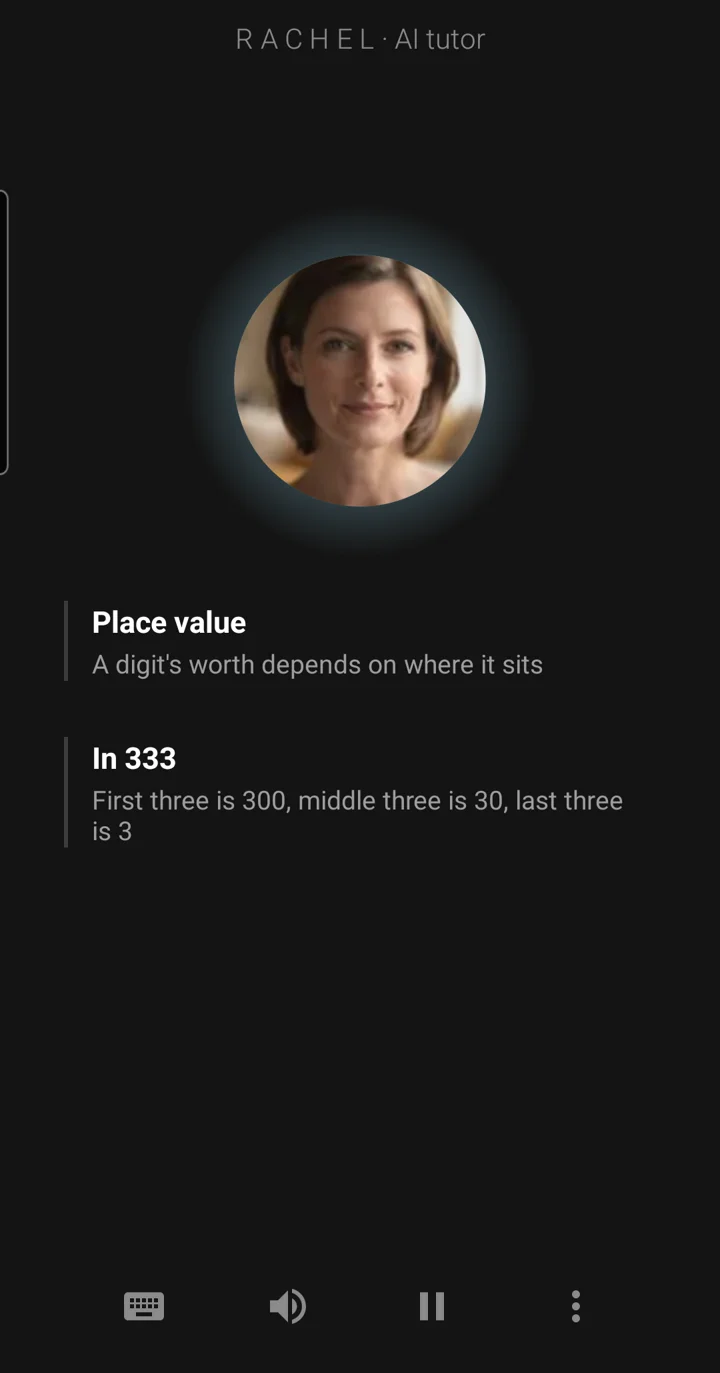
Why a 3 is worth 300 in one place and 3 in another, and how proportion solves everyday problems
-
Science · Grades 5–7
How the body's organs work together, and what plants and animals are made of
-
English · Grades 5–7
Reading poems and stories closely, and noticing how a writer's word choices make you feel something
-
Humanities · Grades 3–7
Finding their way round an atlas and a timeline, then comparing great civilisations from across the world
-
Computing · Grades 2–3
Writing programs step by step, and hunting down the bugs
Your child follows Epivo's own International curriculum, grades 1 to 12: they tell the tutor their grade, choose International, and start on that grade's courses. See the full curriculum →
Finish with a certificate
When your child completes a course, they earn a certificate that anyone you share it with can check online: a record of what they've learned. See a sample →
Every subject, at your child's grade, with one patient tutor.
Free · No card · Android app
Create your free parent accountMeet the tutors
Tap a face to hear how they sound. Your child can choose their tutor from the Teachers menu in the app, and you can choose for them from your parent account.
What it costs
Free
- 30 minutes a day for each child you add
- No card needed.
- Each child's first hour uses the Premium voice (once, not every day), our most natural-sounding one. After that the tutor speaks with the Free voice, which runs on your child's phone. The lessons, the questions and their progress stay exactly the same.
- Certificates included when they complete a course.
Questions
How much screen time is it?
On the free plan, up to 30 minutes a day for each child. When the time is used up, the session ends and the tutor waits until the next day. You can't set a shorter limit in Epivo yourself, though Android's Family Link can limit the phone as a whole. Paid plans add more time, and you only pay if you choose one: nothing can be bought inside the app.
How do I set it up?
Create your free parent account at app.epivo.ai and add your child. Your parent account then shows a code: scan it with your child's Android phone, and it installs Epivo from Google Play if needed and connects the app to your account. Epivo runs on Android phones today; the iPhone app is on its way.
How do I know the lessons are accurate?
Written lessons are fact-checked against independent published sources before they're taught. The tutor follows a planned route through the course, and your child can tap Sources in the app to see what each session drew on, including links to the original sources. In your parent account you can read each topic's written lesson, where there is one, and its sources.
How is this different from asking ChatGPT?
ChatGPT answers what your child asks. The tutor leads the way: a planned route through the course, one question at a time, picking up where they left off. Your child does the thinking, and once their app is connected to your account, you can see what they covered.
Does my child need my permission?
It depends on your child's age and the country they're in. The law sets an age below which a parent must agree: 13 in the US, the UK and Sweden, 16 in Germany and Ireland, for example. If we can't tell which country they're in, we use 16. If you add your child in your parent account with their date of birth, you give consent there if it's needed. If your child tells the tutor an age below that age, the tutor won't teach until you approve, from an emailed link or by scanning a code shown in the app.
What can I see as a parent?
Once your child's app is connected to your parent account, you can see which topics they've started, which they've shown they understand and which need a review. You can see each session's topic, date and length, and read the conversation itself. You choose their courses and their tutor there too. All of this stops when your child turns 18: from then on, their learning is their own.
Is it safe for my child?
Your child talks only with AI characters, their tutor and a storyteller, and the app says "AI tutor" beside the tutor's name. There are no other people to chat with and no ads. The tutor is instructed to stay on the lesson, refuse harmful requests and keep the conversation suited to your child's age. If your child seems upset, the tutor is instructed to answer kindly and suggest talking to a trusted adult, and where we know their country, the tutor may give them a children's helpline number. If anything the tutor says worries you, tap Report issue in the app and it comes to us. We don't use your child's conversations to train AI models, and their voice isn't stored.
Which curriculum does my child follow?
Epivo's International curriculum: maths, science, English, computing, digital literacy and global perspectives across grades 1 to 12, plus humanities and wellbeing up to grade 9. It is Epivo's own, not a national or exam-board course. Texas, California, Sweden and Greece also have their own curricula in Epivo, each for its own range of grades. Your child tells the tutor their grade and chooses a curriculum in their first conversation. It's a learning aid, not an official qualification.
Can my child switch between subjects?
Yes. Every subject for your child's grade goes into their plan, so they can ask the tutor to move from maths to science or English, and each subject keeps its own place for next time. From your parent account you can choose which courses they take.

Give your child a tutor for every subject.
Free · No card · Android app
Create your free parent accountHand-made desk globes. Peter Bellerby, via Wikimedia Commons (CC BY-SA 3.0), cropped.
Photo credits (via Wikimedia Commons). A child counting on their fingers over a maths workbook: Jeuwre, CC BY-SA 4.0, cropped. Hand-made desk globes: Peter Bellerby, CC BY-SA 3.0, cropped.

